How do I order a logistics code and redeem it with Visifair?
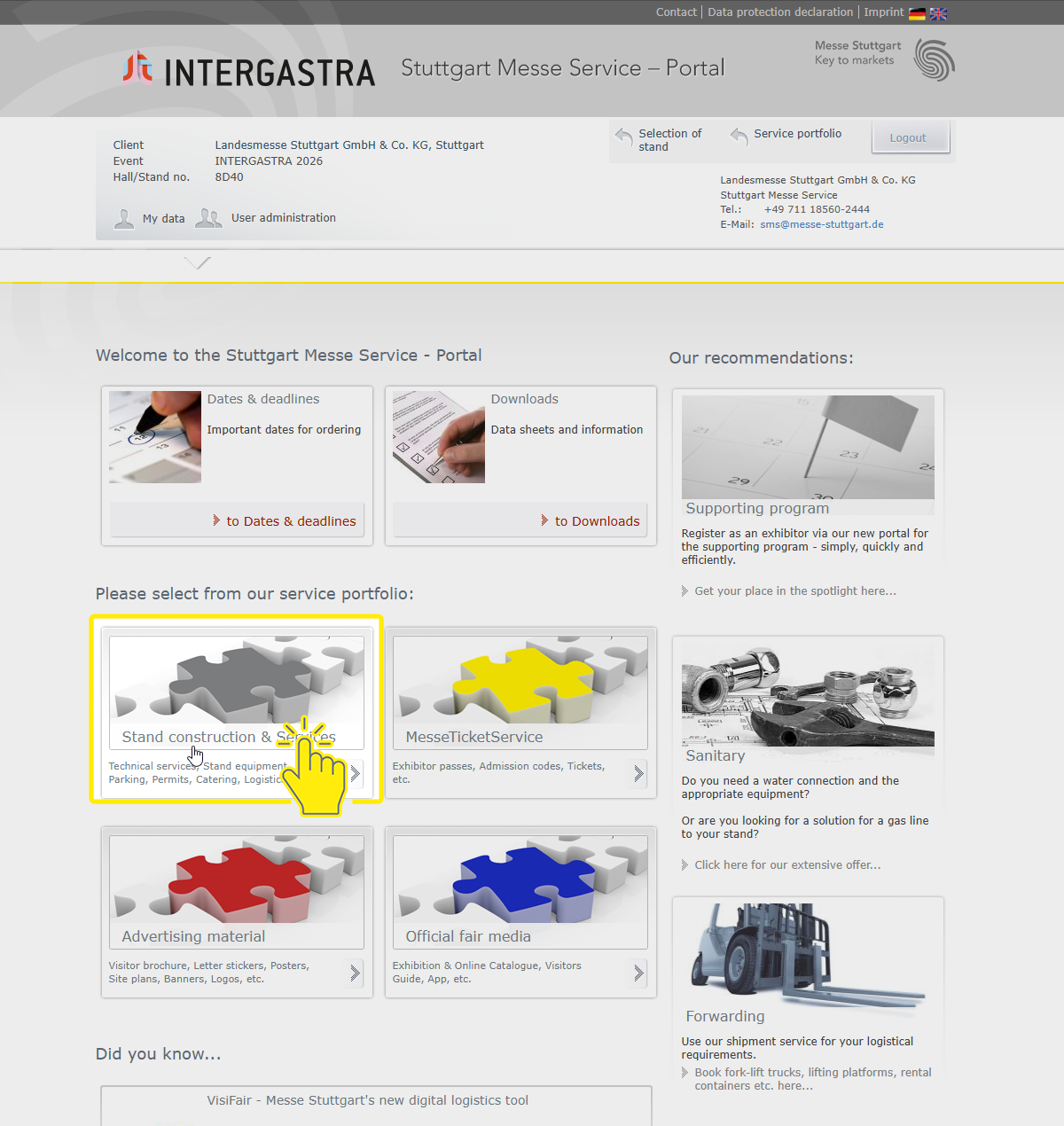
1. Log-in to the Stuttgart Messe Service Portal.
2 Go to the Stand construction & Services section (grey tile).
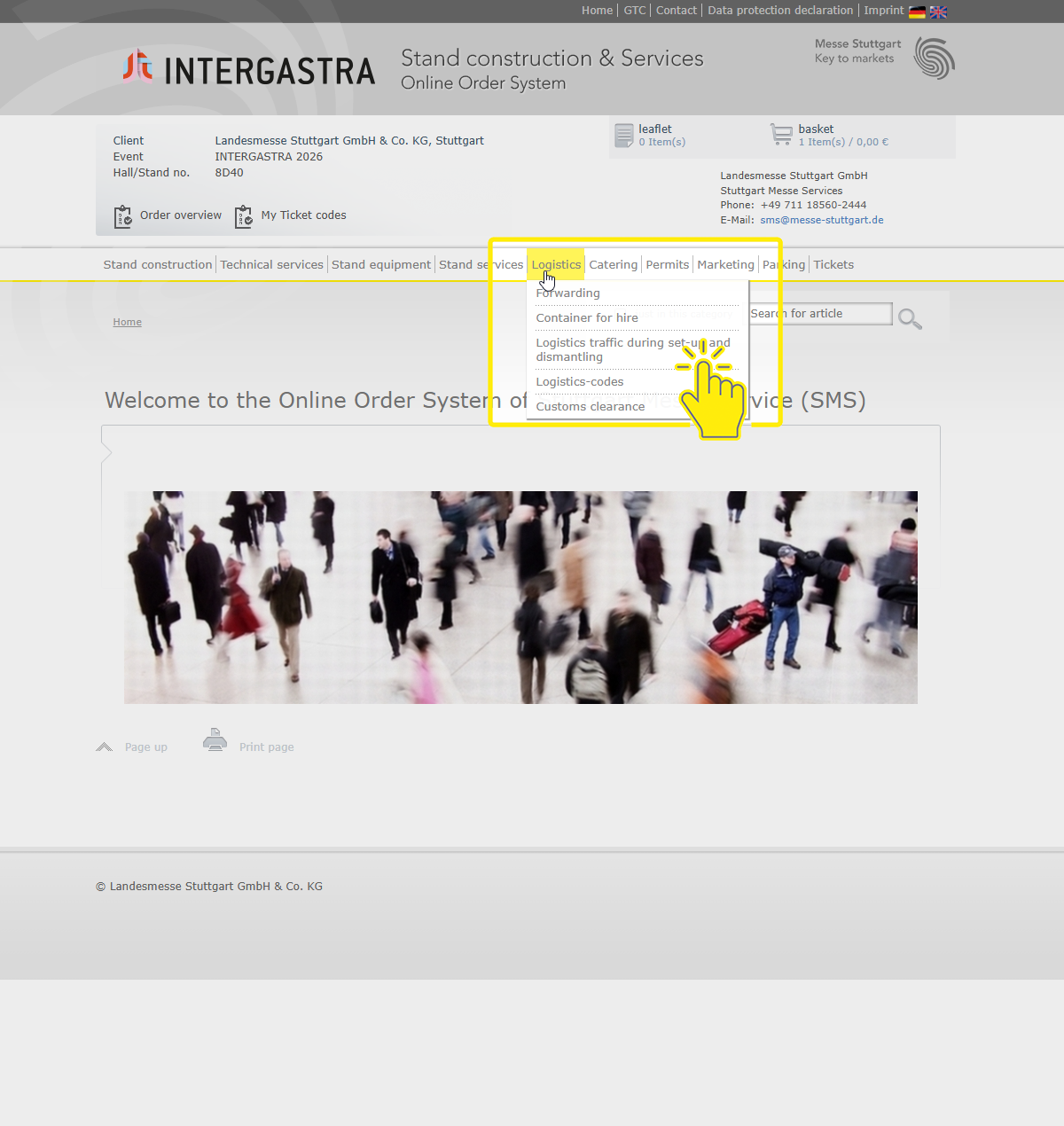
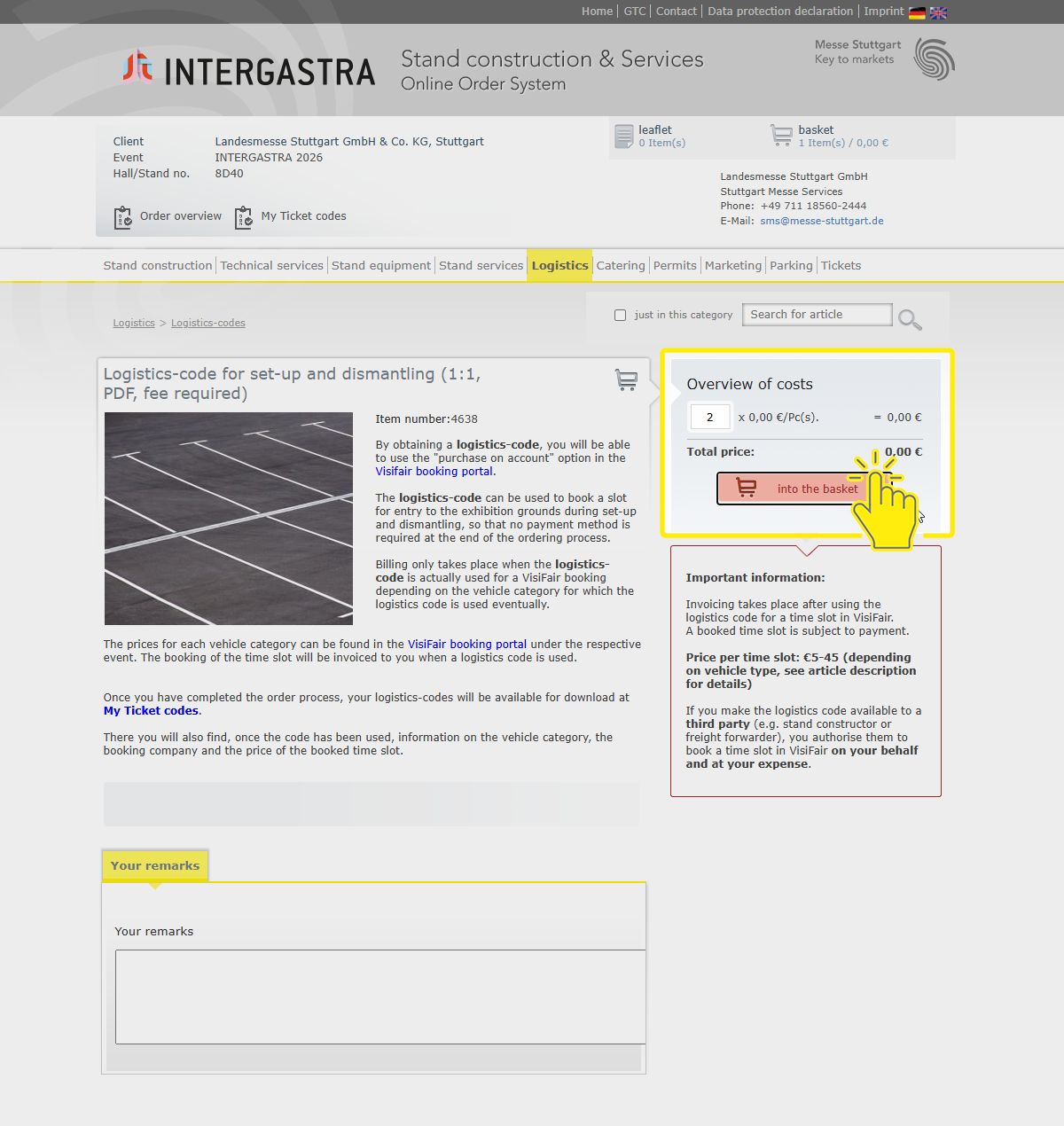
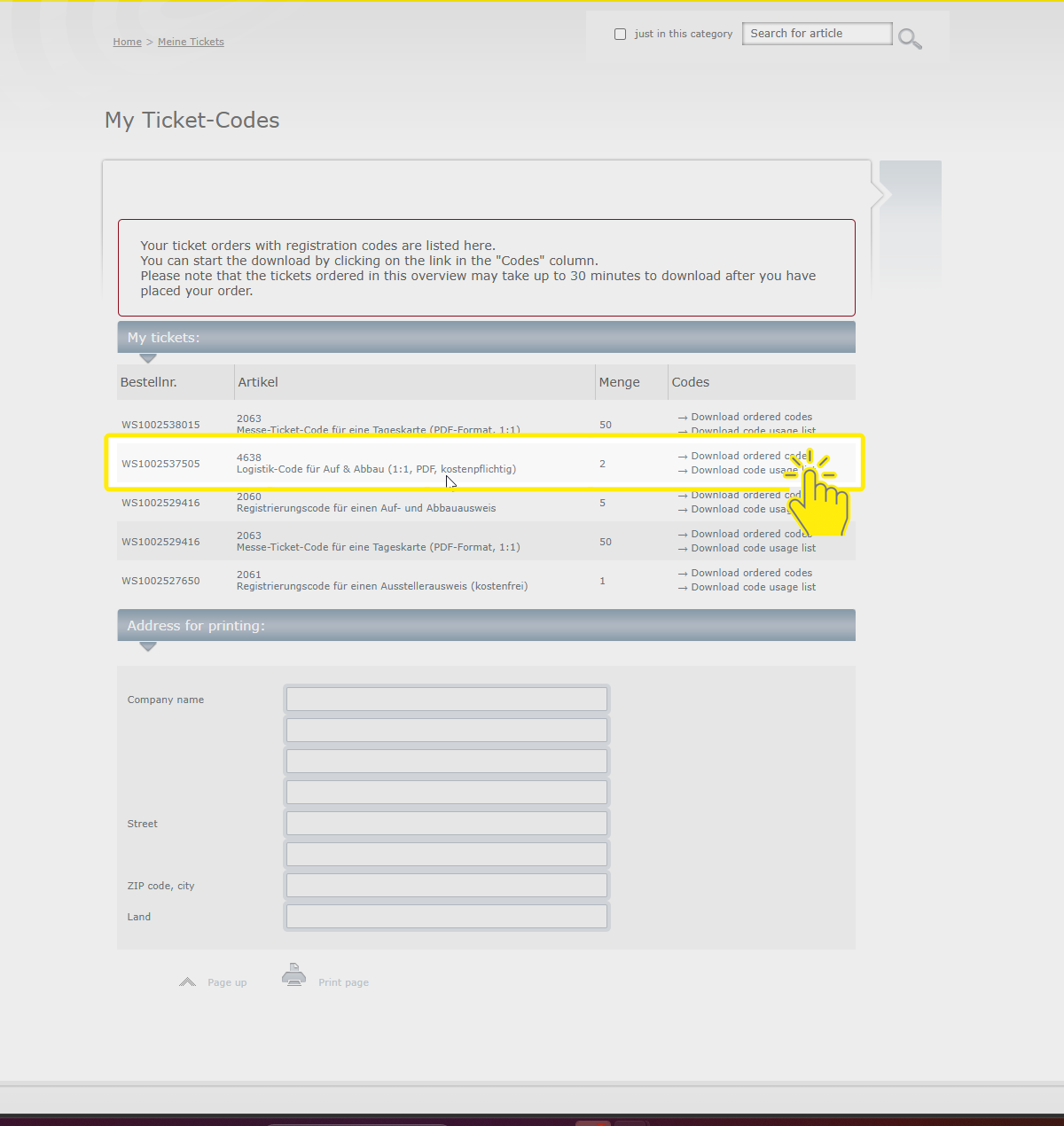
5. Go to the „My ticket codes“ section and download your logistics codes. Please note that the codes will not be e-mailed to you. When the codes are redeemed, you will find information on the vehicle category, the booking company and the price of the booked time slot in the code usage list.
Please forward the logistics codes to your staff.
6. Before entering the venue, the logistics codes have to be redeemed at Visifair for a specific time slot.
7. Log in to VisiFair and select the event you would like to book the logistics slot for.
8. After selecting the vehicle type, hall, date and time slot in VisiFair, enter the logistics code in the LOG-field, then click the “Redeem Logistics Code” button
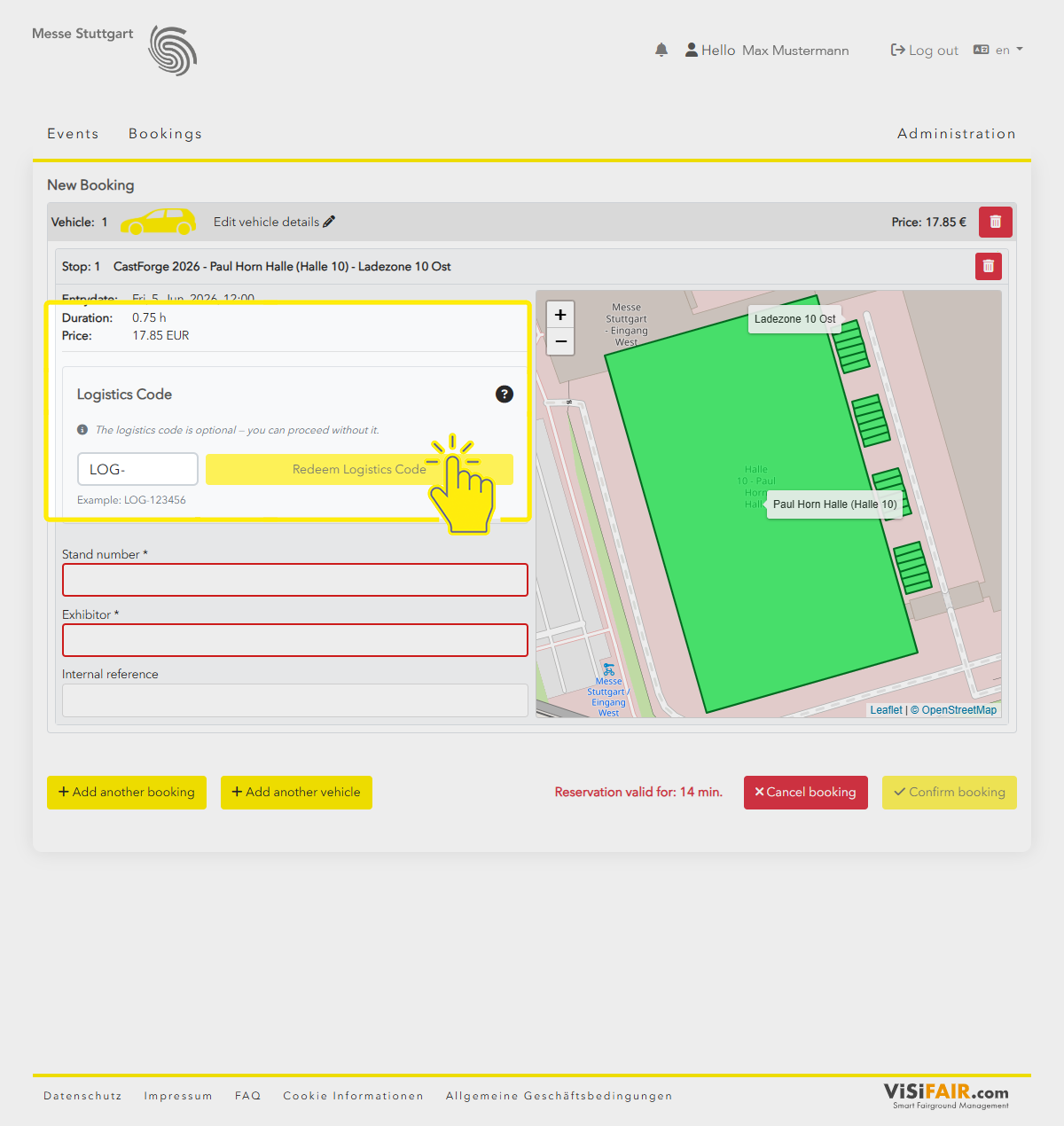
The fields “Stand no.” and “Exhibitor” will be filled automatically. They cannot be edited.
9. Add further bookings if needed now and/or click the “Confirm booking” button.
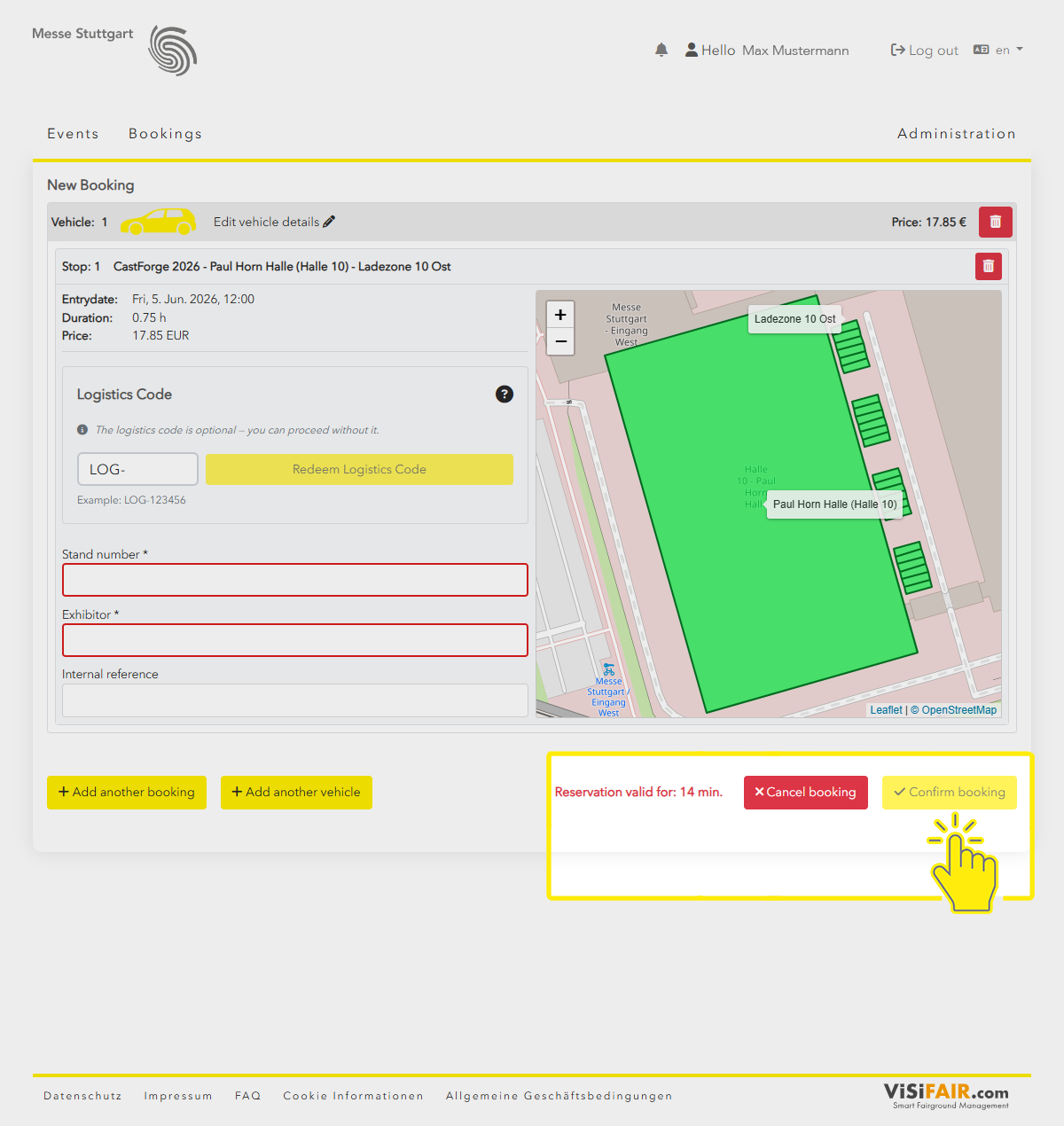
10. In the last step you will receive an overview of the bookings and the total amount that will be invoiced to the exhibitor.
11. The booking must be finalised by clicking the “Confirm booking” button.
12. In the SMS Portal, the booked time slot will be displayed in the code usage list with the respective logistics code.